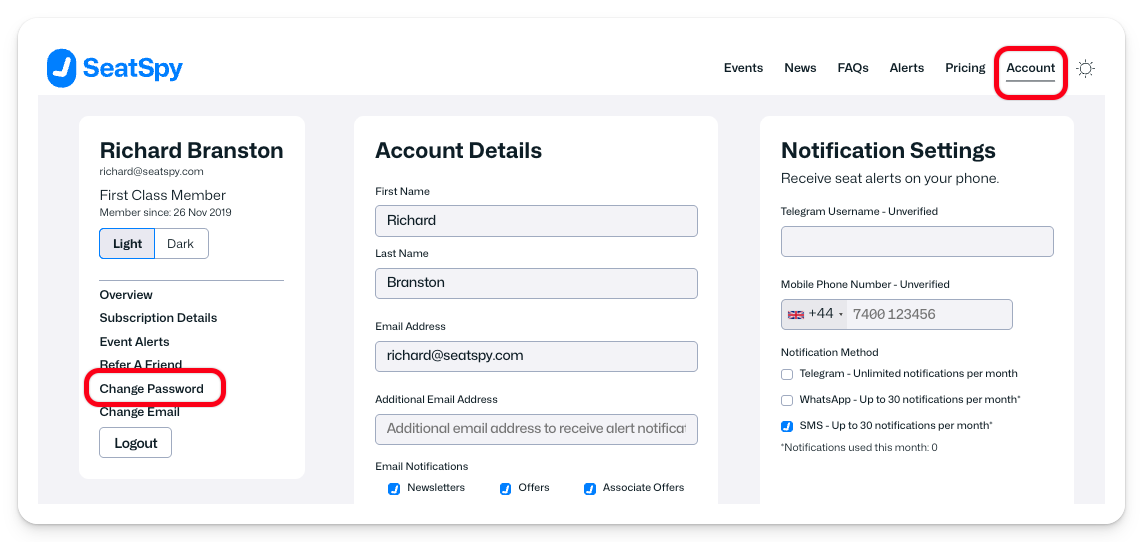
You can change your password by logging on to your SeatSpy account and choosing the Account option from the menu at the top of every SeatSpy page. Then choose the Change Password option that appears in the left hand menu on the account page.
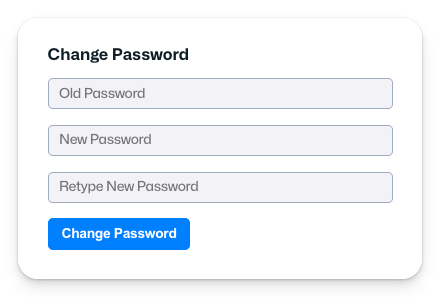
You will then be prompted to enter the current password for your account to authorise the change, along with the new password you want to set for your account.