
You can change the payment card that you use to pay for your subscription by choosing the Account option from the menu at the top of every page on SeatSpy. If you have an active subscription, you will see the Subscription Details option that will show your current subscription plan and payment method.
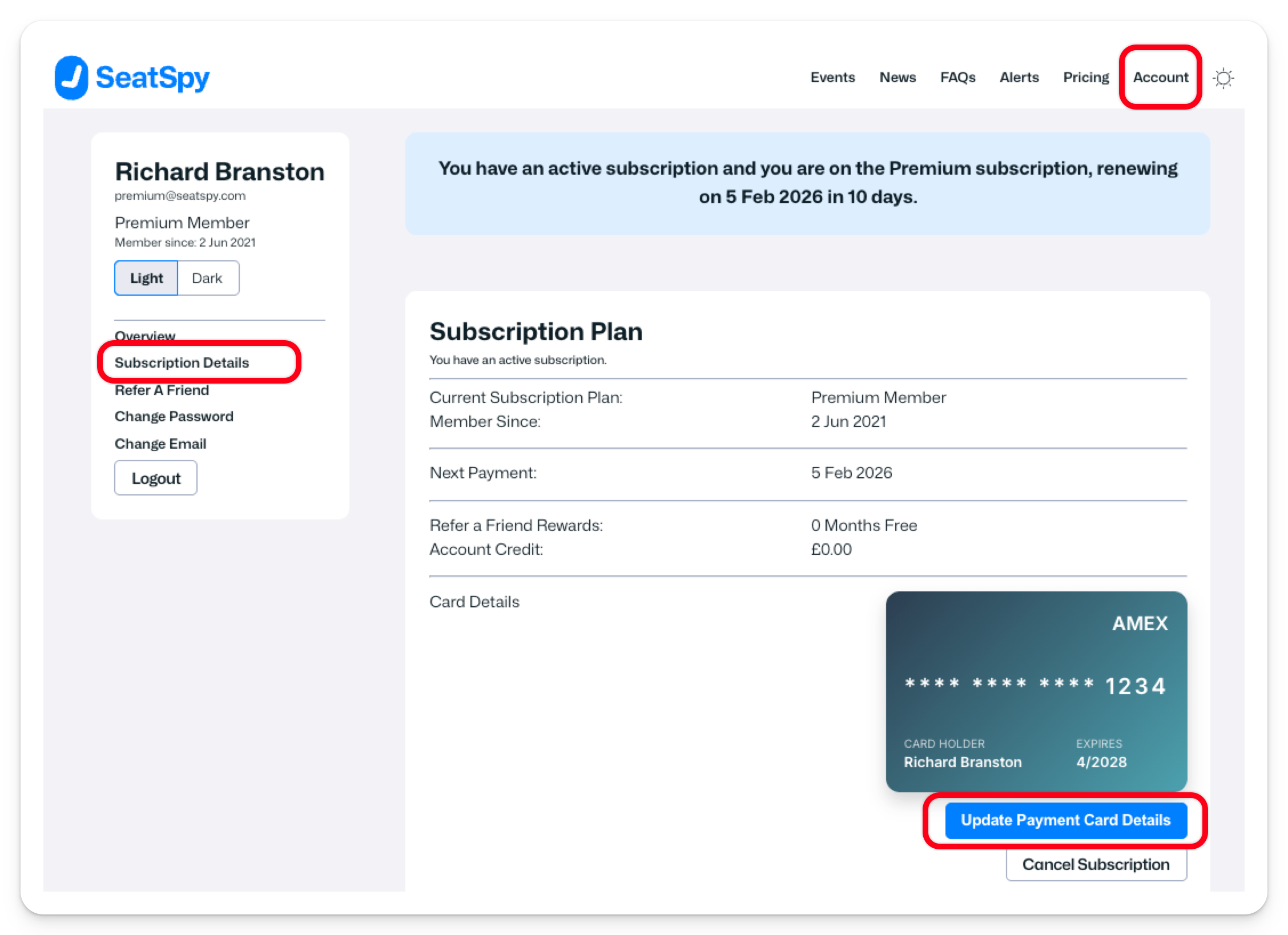
The Subscription Details page will list all of the detail about your current subscription, including the card you are using to pay.
In the Card Details section there is an option to "Update Payment Card Details". as shown in the screen grab above. Clicking this option will let you update your card details or change to a different card.