
If you want to cancel an alert that you have set up so that it no longer sends you notifications, you can do this from the Alerts Summary page.
Go to the Alerts Summary page by logging in to your SeatSpy account and clicking on the Account option from the menu that is shown at the top of each page. This will show you all of your active Reward Seat Availability Alerts.
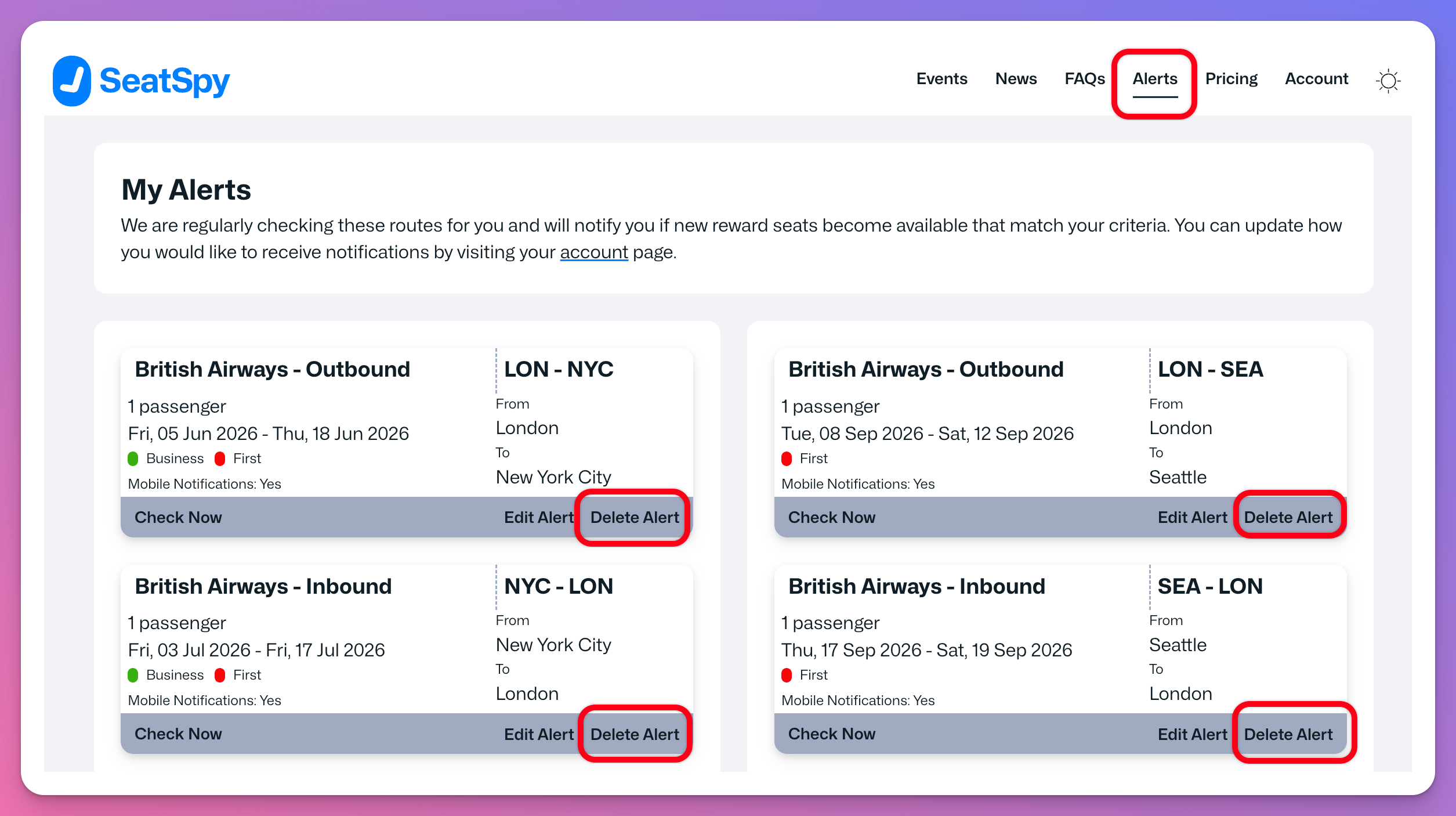
You have the option to delete each alert. This will prevent the alert from being checked and you will no longer receive any notifications for the alert.
Click on the Delete Alert option to delete the alert.