
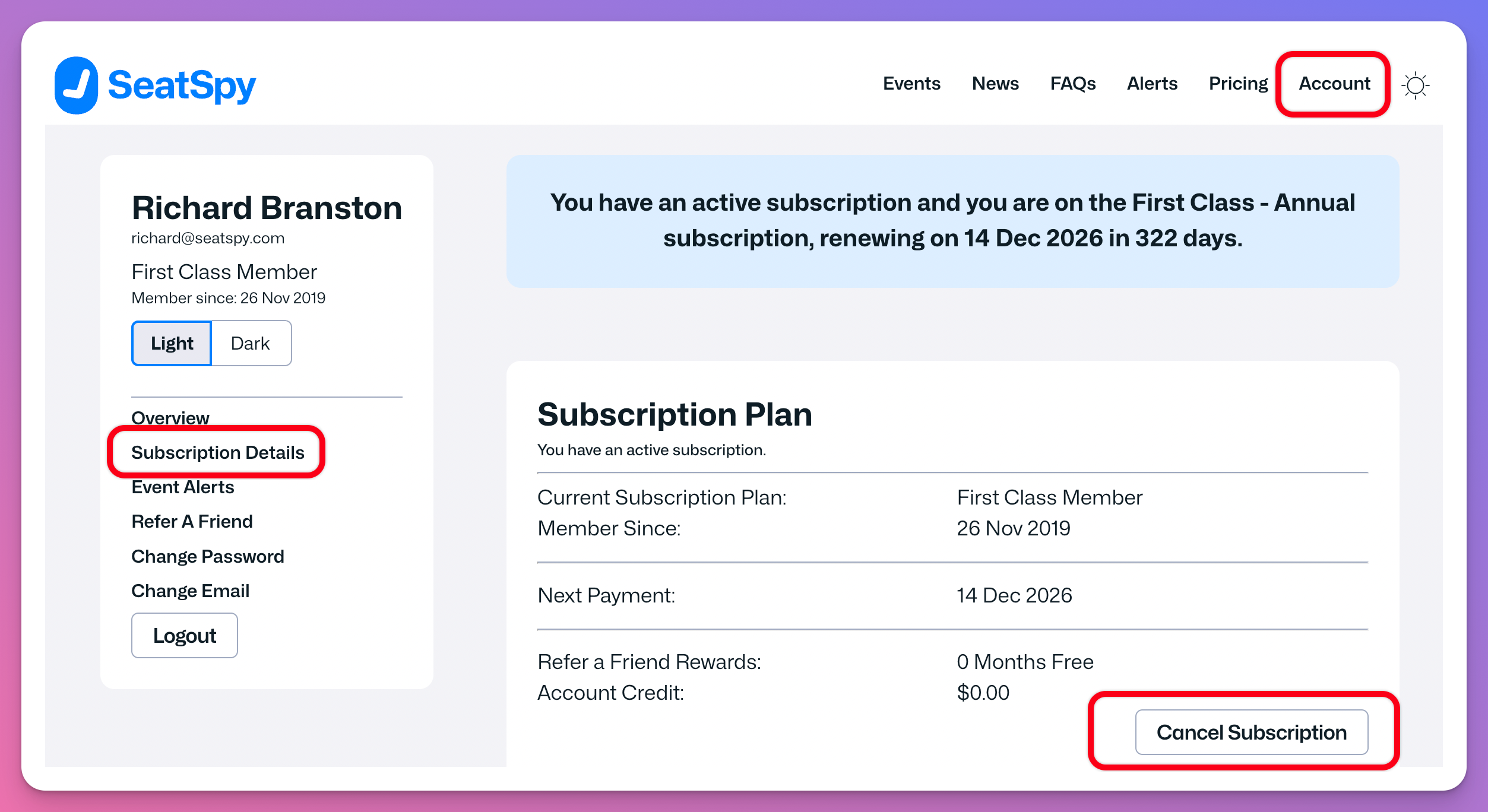
You can cancel your subscription at any time by logging on to your account at the SeatSpy.com site and then going to the Account -> Subscription Details page and selecting the Cancel Subscription button.
The screengrab below highlights the options you need to choose to cancel your subscription.
When you cancel an active subscription, you can continue to use the site and receive alert notifications up until your next subscription renewal date.
NOTE: If the Subscription Details option does not exist on your Account page, this is because the account you are logged in to does not have an active subscription. The subscription may have already been cancelled or has expired.